
Webcam · your hands
Handframe
Frame it with your hands.
Hold up both hands: your thumbs and index fingers make a frame. Inside it the picture gets one look, outside it another: word tags, code rain, glowing pixels, hologram, glitch and more. Press Record for a video file.
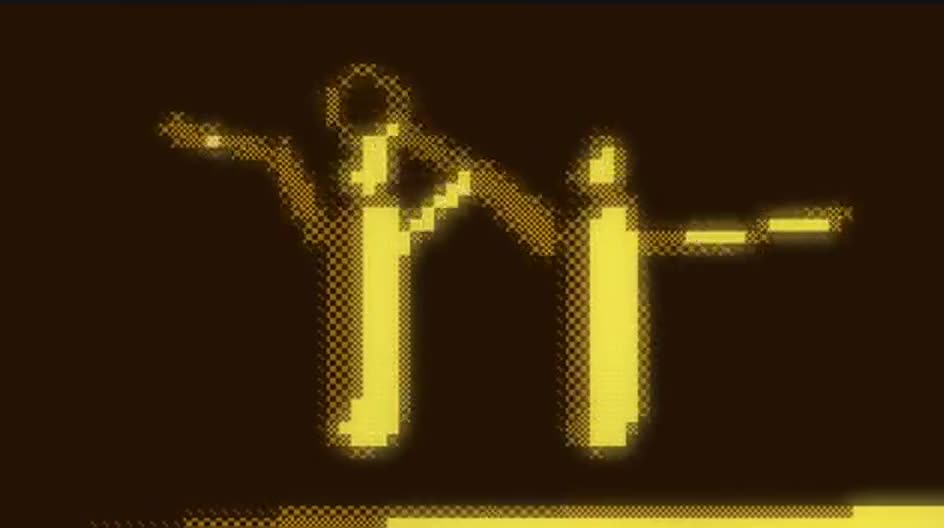
What you can do
- Frame it with your handsThumbs and fingers make a frame. Inside it, one look; outside it, another.
- Looks inside and outWord tags, code rain, glowing pixels, hologram, glitch and more.
- Camera, video or photoStart from your webcam, or drop in a video or a photo.
- Press RecordGet a video file of what you made, with a voice-over if you like.
Start here
- Put Handframe on any track. It's an audio effect, and the sound passes through unchanged.
- Open its window. It starts on an empty screen: choose Camera, Video or Photo.
- Press Camera. The first time, macOS asks whether your music app may use the camera: allow it.
- Hold up both hands, thumbs and index fingers apart, to make the frame. Pick the looks from the rail.
- Press Record.
Getting the video out
- Record: a video file of what's on screen.
- Mic: turn it on to record a voice-over into the video.
What it needs
- macOS
- 14 Sonoma or later.
- Mac
- Apple silicon or Intel. On Intel, hand tracking and the depth looks run slower.
- Formats
- Audio Unit and VST3.
- Permissions
- Camera, and the microphone only if you use Mic, both given to your music app.
- Download
- 24 MB.
Good to know
- Hand tracking and the depth looks run on your Mac. The camera picture isn't sent anywhere.
- Good light on your hands helps the tracking.
More help: Help · This guide as a PDF · Version history · All four plug-ins